Zscaler 部落格
訂閱 Zscaler 部落格,第一時間獲取最新資訊!

This article was originally published by Red Canary, which is now part of Zscaler.
Shlayer is a piece of malware that exclusively targets macOS systems. It’s been making the rounds since at least February 2018, primarily by masquerading as an Adobe Flash Player update, although it occasionally mimics other application installers as well.
These fake installers are mostly being delivered by peer-to-peer torrent sites and via malvertising. Once Shlayer infects its host, it attempts to install adware, including “OSX/MacOffers” (aka “AdLord” or “Mugthesec”) and “OSX/Bundlore.”
Mitigation Techniques
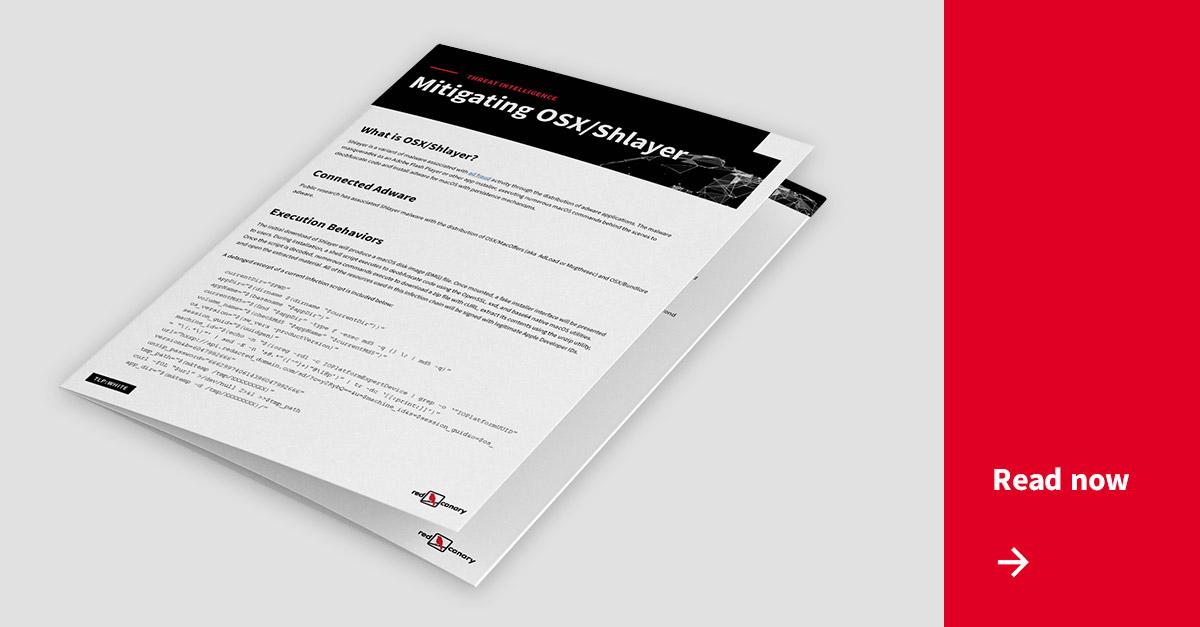
While a lot has been written about Shlayer, there is a lack of good information about how security teams can remove it from their environments. Shlayer may seem like a relatively straightforward vehicle for delivering adware. However, we’ve learned through experience (and anecdotally from customers) that it can be difficult to remove. Beyond that, Shlayer infections are commonplace in environments with a heavy macOS presence, so it’s safe to assume that many organizations are struggling with Shlayer.
To that point, Shlayer ultimately delivers strains of adware that establish persistence through a variety of different means. Given this, there is no one-size-fits-all guidance for remediation and removal. As such, we’re releasing some information that you can use to detect—and respond accordingly—if Shlayer or any associated adware has gained a foothold in your environment.


免責聲明:本部落格文章由 Zscaler 製作,僅供資訊參考,並以「現狀」提供,不保證其準確性、完整性或可靠性。Zscaler 對任何錯誤或遺漏,或基於所提供的資訊而採取的任何行動不承擔任何責任。本部落格文章中連結的任何第三方網站或資源僅為方便起見而提供,Zscaler 對其內容或做法概不負責。所有內容如有變更,恕不另行通知。存取此部落格,即表示您同意這些條款,並承認您有責任自行驗證並根據您的需求適當使用資訊。